
Here’s How You Can Speed Up Your PS4
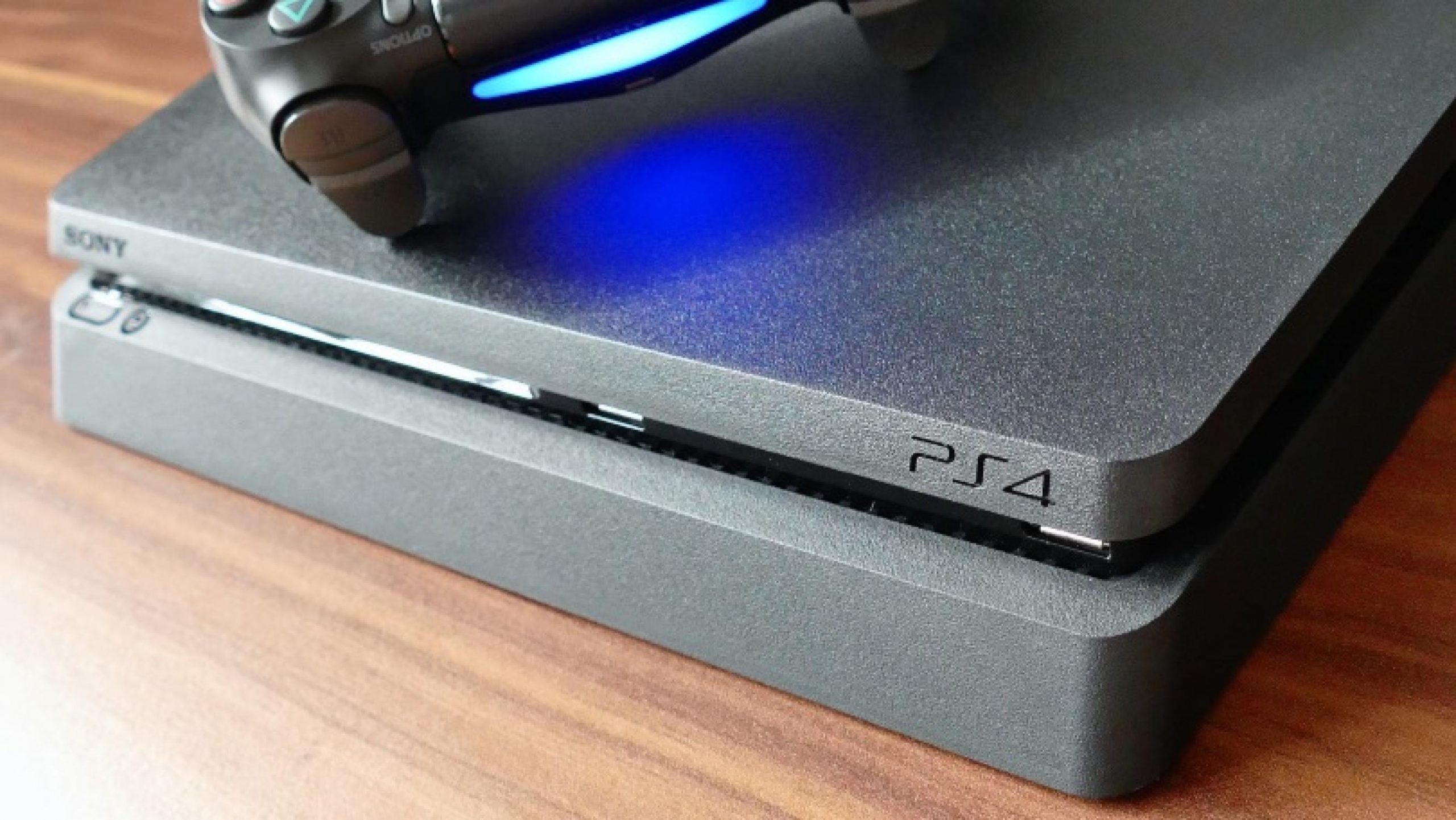
The PS4 has now been out for almost seven years after its launch in 2013. Since then, we’ve seen the original PS4, the PS4 Slim, and the PS4 Pro. Just like you need to do a little system maintenance for PCs and laptops every now and then, you can actually do so on a PS4 as well to improve performance.
While waiting for the PS5 to arrive, you can speed up your PS4 by using the “Rebuild Database” option. It works similarly to how Disk Defragment helps organise a PC or laptop’s files in a more efficient way.
There are several ways to determine whether your PS4 needs to rebuild its database. If it’s slowing down and lagging with bad frame rates, it’s probably time. However, the rebuilding database process can take anything from a few seconds to as long as several hours, so it’s better to do it when you’re not planning to actually use the console.
According to YouTuber John Glasscock, here’s how to “Rebuild Database” on your PS4:
- First, shut down your PS4 properly by turning it off (not Rest Mode).
- Then, hold down the PS4 power button until you hear two fast beeps. Keep holding it down until the PS4 boots up again in Safe Mode.
- Next, connect your controller to the PS4 using a USB cable.
- Scroll down the list of options until you see ‘Rebuild Database’, and select that.
- Your console will then begin to Rebuilding Database process.
- The PS4 will automatically boot up normally when the process is done.
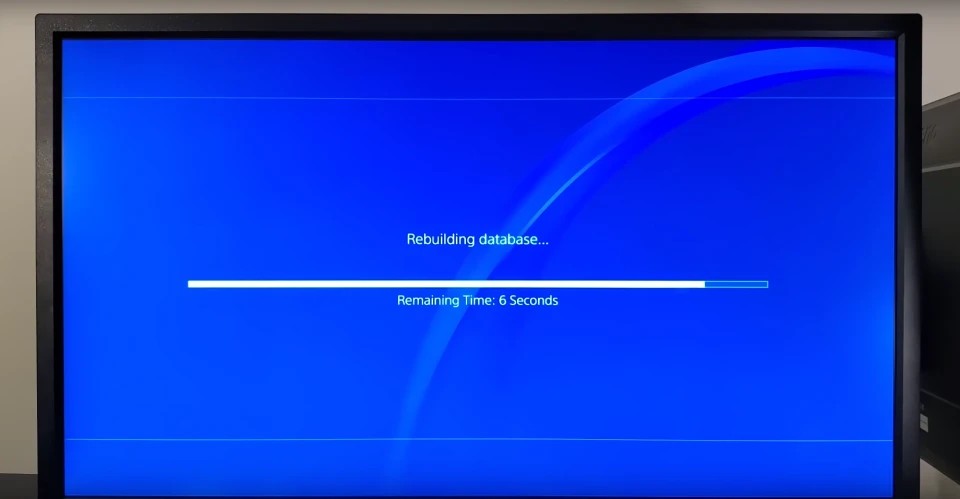
Don’t worry, you won’t lose any of your files during the Rebuild Database process. You’ll definitely notice an increased performance after doing it. Here’s hoping it tides you over until the PS5 comes out later this year, if you’re planning to get one.



Leave a Comment