
HyperX Solocast 2 Review: Shout It Out
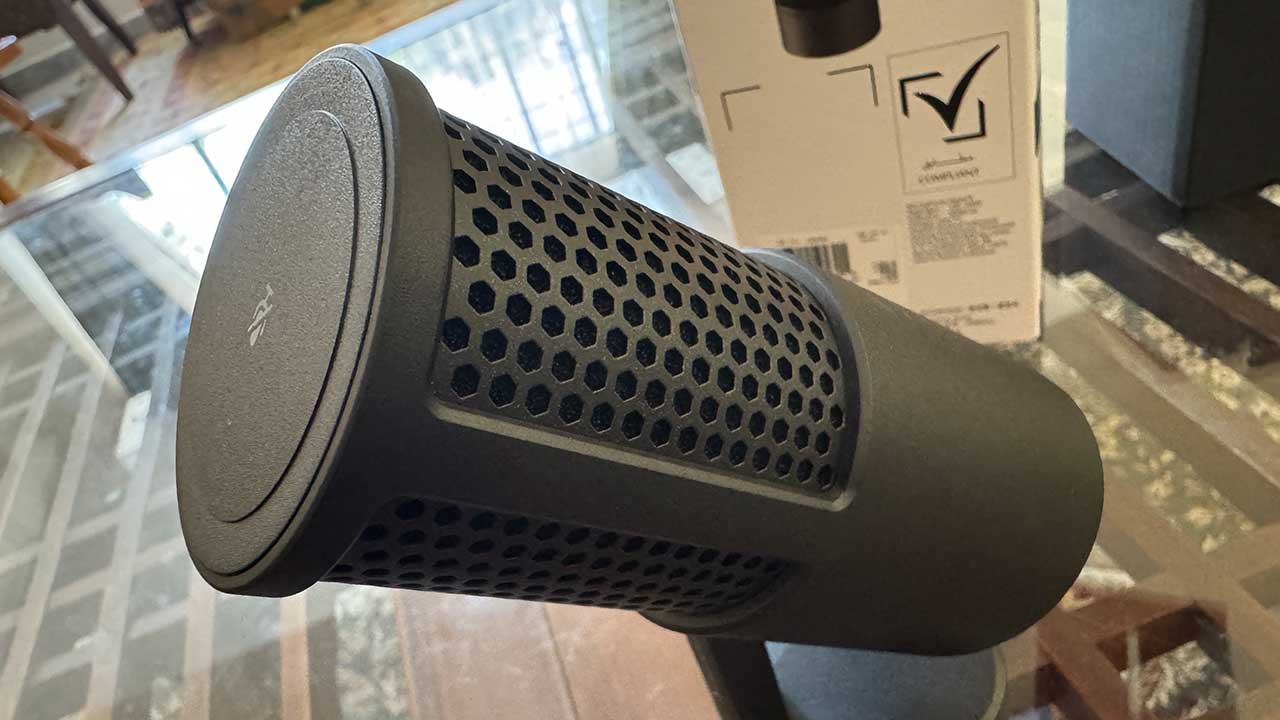
If only HyperX’s latest USB microphone came out years before I started doing video podcasting work and mic recordings, I would have saved a lot more on my current audio setup.
Don’t get me wrong: I would never trade my Shure SM7B and UR22 mkII audio interface combo for anything; it is the optimal and sublime choice for my professional needs. Having said that, the HyperX SoloCast 2 would have been a good second or third choice, if only because of its asking price of RM299. For what you’re paying, everything about this microphone delivers and then some.
Speak Up
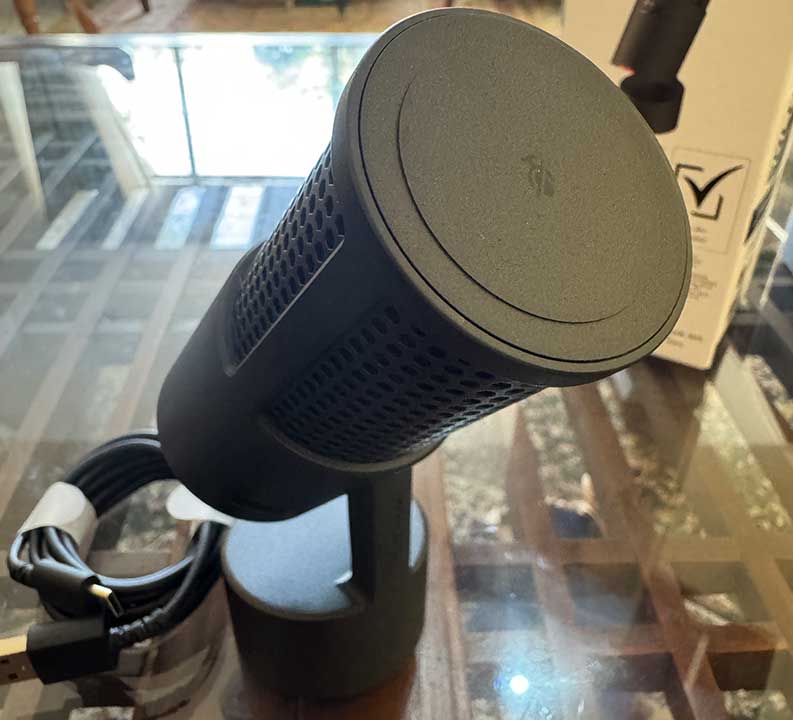
Setup is easy enough: just get the microphone out of the box, set it up on your table, plug the USB cable to your computer, and get the HyperX NGenuity app. The mic itself has a sleek look; nothing too extravagent, but definitely not a cheap build and frame. It’s a form that serves its purpose at being stable and hardy.
What is impressive is its microphone type: a cardioid polar pattern and condenser type that records at 24-bit/96 kHz, as well as built-in foam pop filter and internal shock mount. It also has a tap-to-mute button on top that makes it easy to shut yourself up in proximity chat situations, or just to let other parties speak in an online meeting without too much fiddling. The mic’s audio quality is crisp and clear with great pickup from 1 to 2 fists’ length (15 to 30cm give or take). However, the pickup isn’t so great from 3 to 5 fists away. Noise pickup-wise, the microphone is impressive in getting near-clear enough audio from myself, though some touch-up is still necessary. The Ngenuity app can sort that out for casual users, but if you already have access to audio-editing programs like Audacity and Adobe Audition, just use those instead.
The aforementioned shock mount also helps prevent any interference from desk vibrations. This is an ideal feature, since the best placement of the mic is just below you, with it pointing at your general direction at a 40 degree angle. However, the HyperX SoloCast 2 can also be used for boom arms, mic stands, and crane setups, which are common these days for both gamers, streamers, and content creators. This is thanks to the mounting point below the microphone that is compatible with 3/8″ and 5/8″ threaded mounts. Most of our play sessions with the mic active did not pick up much shock and vibration while it was on the table (keyboard and mouse setup nearby, so you know there’s a lot of movement possibly being picked up). Though if you’re incredibly twitchy and tryhard, maybe think about having a boom arm setup if you want even more reduced noise from desk movement and typing.
What is bizarre for many is that the microphone shines red when it’s active. Normally, gaming mics displays default to red when muted. Being in the content creation line of work, red usually means we’re live and recording, so I’m OK with this switch. However, there is no headphone jack for those who want to keep the audio easily contained to one channel. These are a few key issues worth pointing out for most gamers.
Solo Play
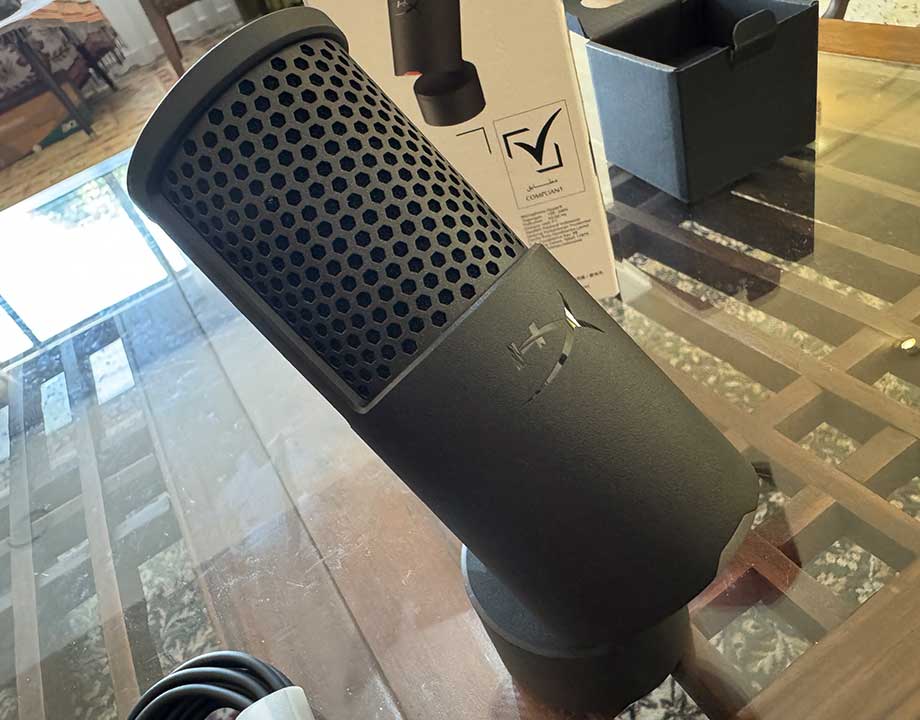
Even so, HyperX SoloCast 2 is not only a stellar all-purpose microphone for your gaming and voice speaking needs, but it is a good upgrade to the original SoloCast. With a solid build and high-resolution recording quality (made better with your mixer and in-house software), this solo effort can’t be beat.
Final Score: 90/100
Review unit provided by publisher.
Vital Statistics
Connectivity: USB 2.0 Type-A
Capsule Type: 14 mm electret condenser capsule
Polar Pattern: Cardioid
Bit Depth: 24-bit; 16-bit
Sampling Rates: 96 kHz; 48 kHz; 44.1 kHz
Sensitivity: -7.8±3 dB (1 V/Pa at 1 kHz)
Weight: 368g
Price: RM299



Leave a Comment