
FIFA 23: How To Solve The Anti Cheat Error On PC Version
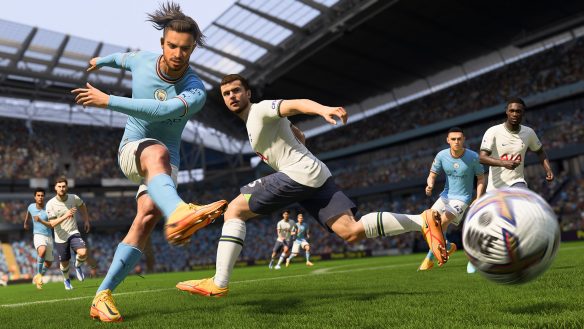
FIFA 23, the new football game from EA that’s going out with a bang given the license name’s end, is facing a PC problem.
The game has been getting negative reviews on Steam since launch due to its anti cheat error. PC players are having problems booting up the game for the first time, be it Origin or Steam. The console versions do not face this problem, however.
The error prevents the game from loading up and force quits you, or prompts an error message in the anti-cheat that reads “EA AntiCheat Service encountered an error. Please restart the game”.
Here’s how you can fix this problem if you’re on PC:
Restart The Game
Basically the old IT Crowd joke works: just turn it off and on again. Failing that, there is…
Running Origin/Steam As An Administrator
You will need to activate options on your PC as an admin.
- Right-click on the Origin or Steam app on desktop or through the start menu.
- Select “run as administrator”, then allow it to make changes when the pop-up window appears.
- Boot FIFA 23 up as normal.
Run The Anti Cheat, Then Delete It Manually
If the above technique doesn’t work, there is the option of just sorting the anti cheat app yourself.
- Go into the EA anti cheat folder (C:\Program Files\EA\AC).
- Launch EAAntiCheat.Installer.exe then close it.
- Delete EAAntiCheat.Installer.exe.
- Launch FIFA 23 through Origin or Steam.
When All Else Fails, Reinstall The Game
Use this time-consuming technique if the above methods do not seem to work.
- Run Steam or Origin as administrator, locate FIFA 23, and uninstall it completely.
- Then download it all again.
- Boot up the game after redownloading and it should finally work.
Check Out EA’s Trello Board
EA has recognised the error and are on the case. You can check out the company’s public Trello board to find solutions to the anti cheat conundrum.


Leave a Comment