
Hogwarts Legacy: The Best Settings & Fixes For PC

Hogwarts Legacy for PC may look fine under certain settings, but it’s really dependent on your setup and options. While console players have nothing to worry about, the PC version has seen some complaints.
Here are some steps on how to fix that.
Best Hogwarts Legacy Settings You Can Do On Your Own
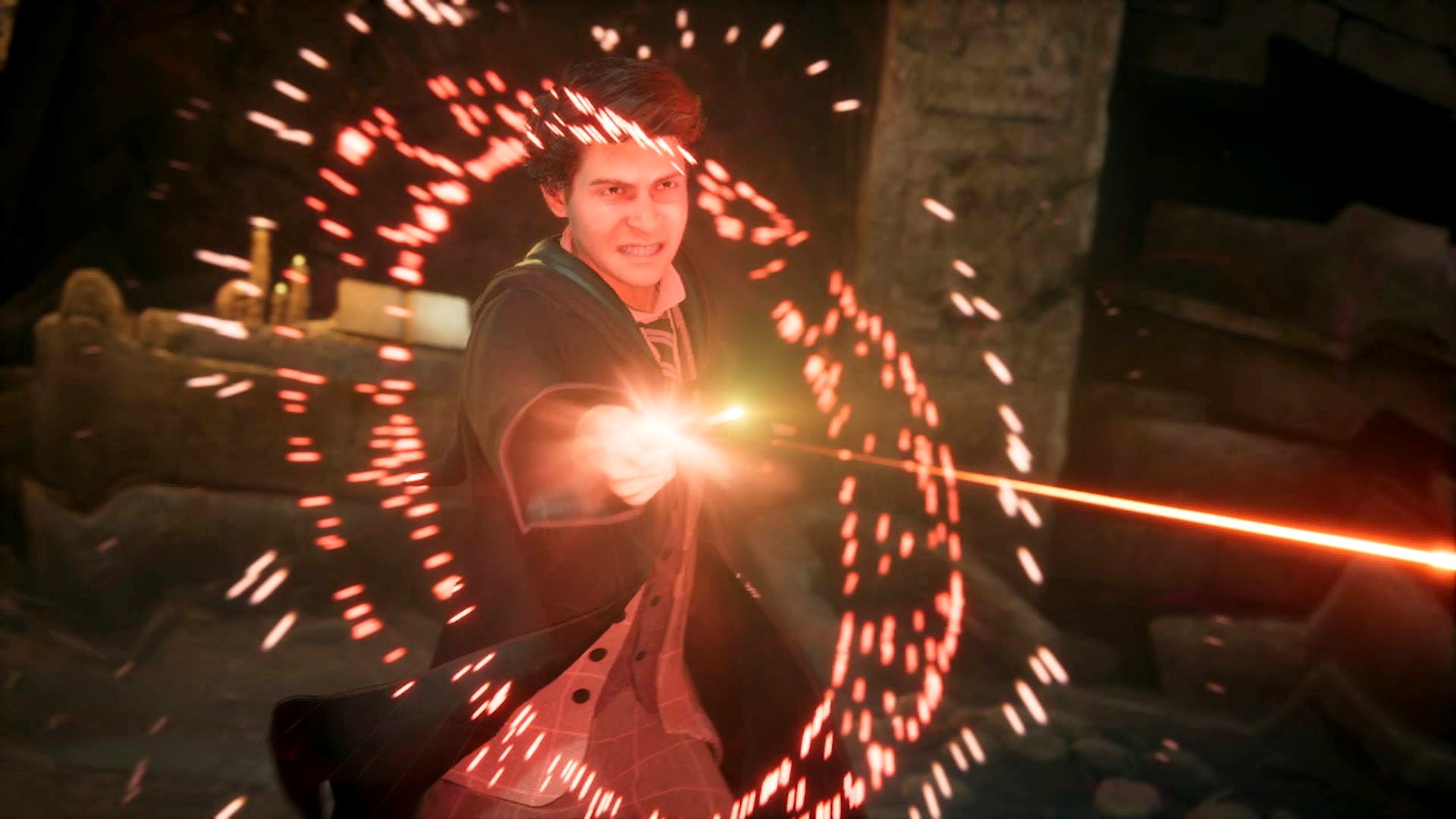
Just check the following settings on the PC version of the game.
- Upscale Type: Nvidia DLSS or AMD FSR 2
- Upscale Mode: Nvidia DLSS Auto or AMD FSR 2 Quality
- Frame Generation: On (if supported)
- Nvidia Reflex Low Latency: On (if supported)
- VSync: Off
- Framerate: Uncapped
- Effects Quality: High
- Material Quality: High
- Fog Quality: Medium
- Sky Quality: Medium
- Foliage Quality: Medium
- Post Process Quality: High
- Shadow Quality: Medium
- Texture Quality: High
- View Distance Quality: Medium
- Population Quality: High
- Ray Tracing Reflections: Off
- Ray Tracing Shadows: Off
- Ray Tracing Ambient Occlusion: Off
The game also supports AMD FSR, Intel XeSS, and Nvidia DLSS upscaling which boosts FPS with minimal impact to image fidelity.
Other Fixes
If you’re still having problems, this BenchmarKing video should help you out. It has timestamps and everything!
Digital Foundry doesn’t have a benchmarking and graphics guide/feature on Hogwarts Legacy because the group is boycotting the game due to politics.
There is also a mod called “Stuttering and Low Performance Fix” that fixes Hogwarts Legacy’s performance and stuttering issues. The mod is made by Riesi and uploaded by xowny. Download it here.
For more Hogwarts Legacy, check out our review and guides.


Leave a Comment