
Here’s How You Can Claim The Twitch Prime Apex Legends Wattson Skin
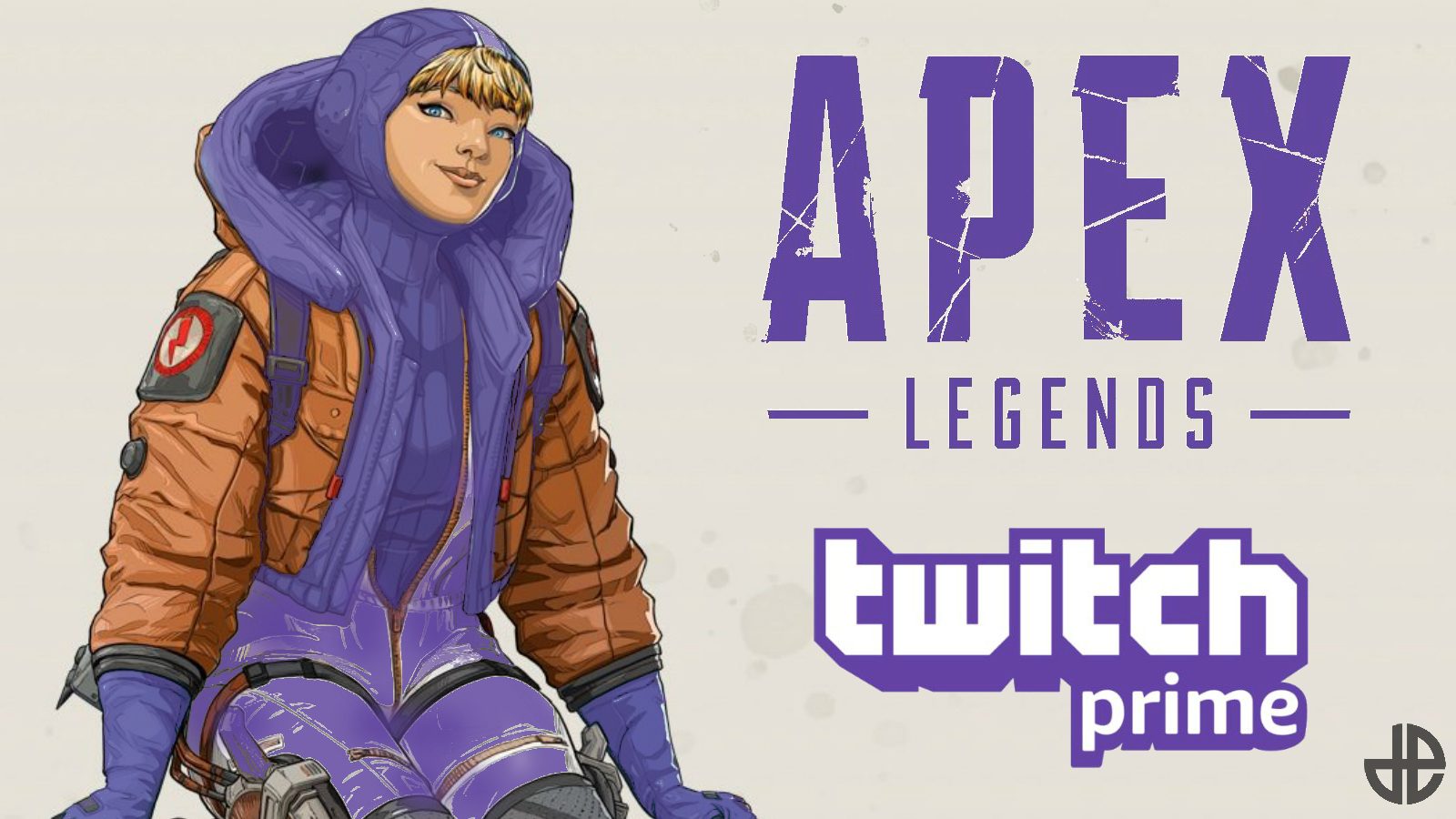
Twitch Prime Day is upon us, and Amazon Prime members can claim their first loot for Apex Legends Season 2; an exclusive Wattson skin. Players on all platforms can obtain exclusive content, but there are a couple of steps that need to be completed before they can do so.
Starting from today on 3 July 2019, players can get their hands on not only an exclusive skin for new hero Wattson but also for the new L-star weapon. Here’s what you need to do:
- Sign into your Twitch account.
- Link your Amazon Prime account to Twitch.
- Link your Twitch account to EA (PC), PSN (PS4) or Xbox Live (Xbox One).
- Claim Apex Legends loot on Twitch.
If you can’t find the loot you’re looking for, keep in mind that you will also receive a notification on the top right bar of the Twitch website (if you open it on your PC). All your Twitch Prime loot will be listed there.
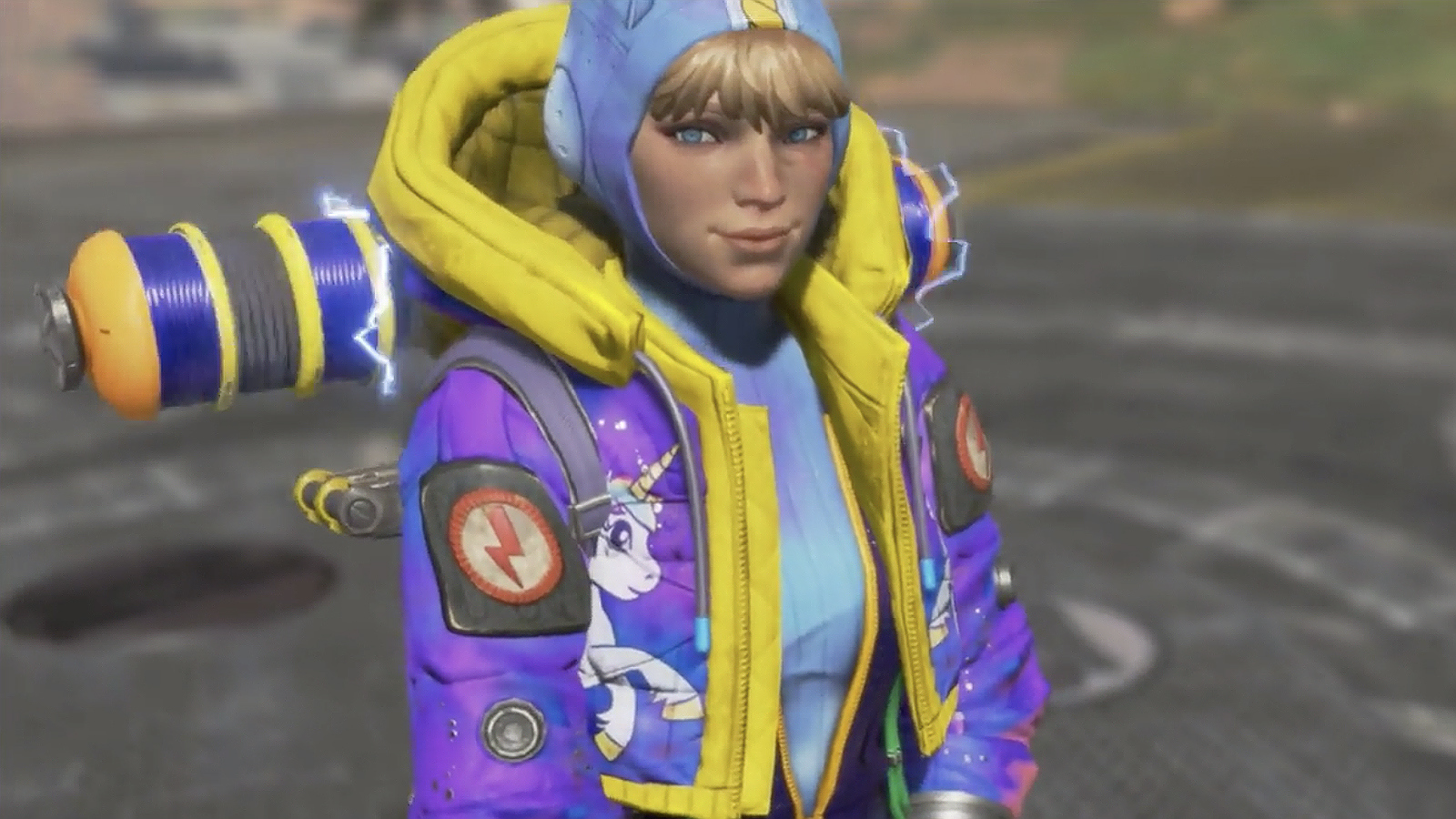
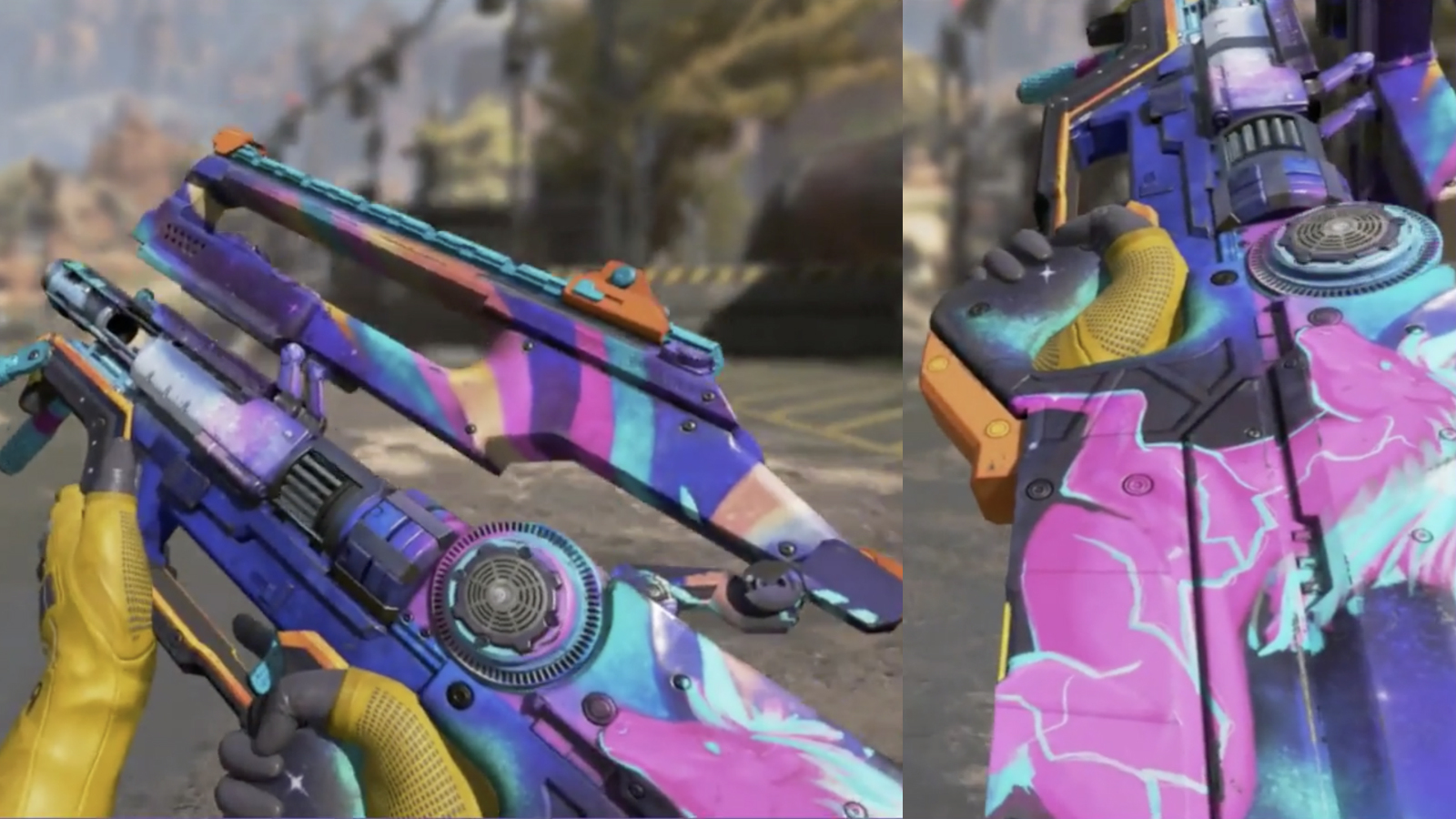
The exclusive Wattson and L-star weapon skins will be available for around a month, so claim it as soon as possible. In the meantime, check out what they look like in the images below.


Leave a Comment