
You Can Update Your PS5 Without Connecting To A PS5; Here’s How
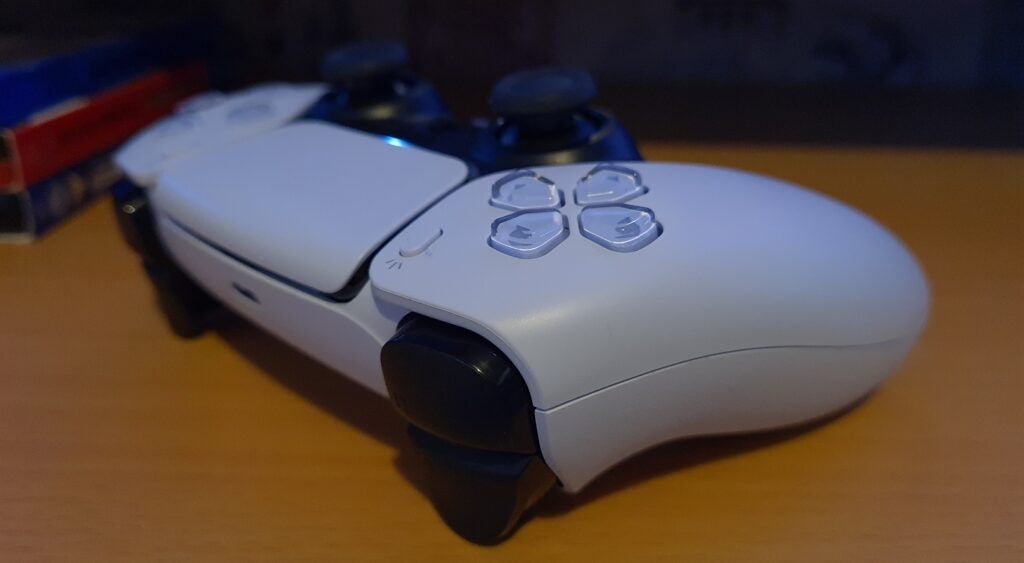
Sony has announced that PS5 DualSense controller users can update the firmware in their controllers without connecting to a PlayStation 5.
Instead, they can use a PC for that via a firmware update app. However, you will need Windows 10 or Windows 11 to run the app and apply the updates.
You can follow the instructions here to do the update yourself; the installer is on this link. After you install the app, you can then connect your PS5 controller to the PC to apply it. Note that you can only update one controller at a time, with each of them needed to be connected individually. The application will alert users once the firmware update has been applied successfully. While the update is installed, you shouldn’t turn off your computer, but that’s a no-brainer at this point.
We’re guessing a number of you are having trouble looking for a PS5, but somehow ended up getting the PS5 DualSense controller just to prep. At least now you can update it with the best firmware without the console, which is still hard to find up to this day.



Leave a Comment