
Steam Replay 2022: How To Access Your Steam PC Year In Review

2022 is going to be over soon, and just like most gaming platforms, Steam has its Replay feature that lets you see how much time you’ve spent playing games on the platform.
Valve’s Steam is one of the most long-standing platforms for PC gaming and game distribution, equipped with tons of features and a near-infinite amount of titles. So yes, it needs the Steam Replay 2022 to have players see their highs and lows in this year of gaming. Here’s how you can access it.
How To Access My 2022 Steam Replay?
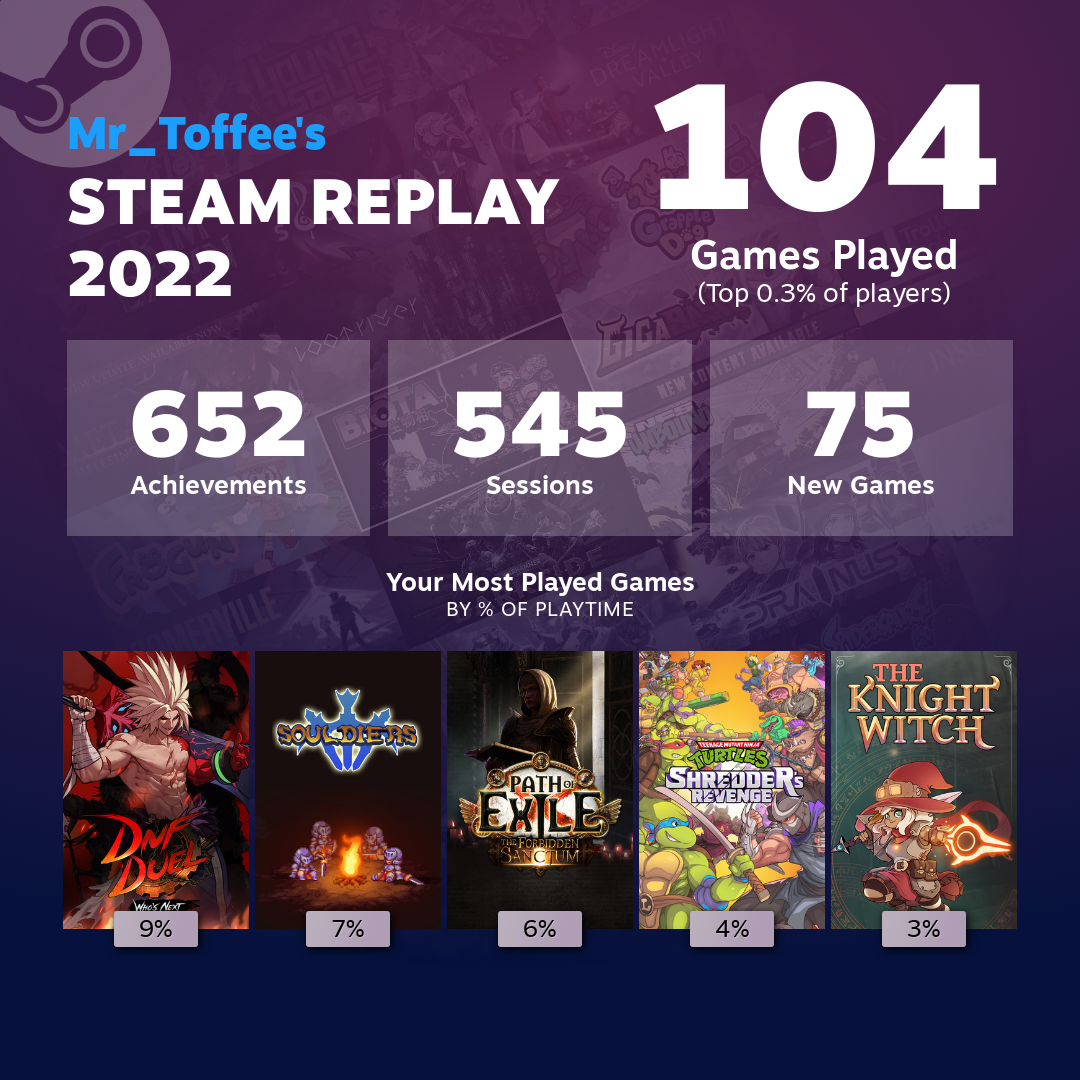
Easy: just head to the Steam website. Or just open up your Steam app today; the prompt will pop up. You can also change your replay’s visibility settings so that you can either keep it to yourself, or share it among friends or the public, as well as save the graphic version for your social media tool like Twitter or Instagram.
What’s On My 2022 Steam Replay?
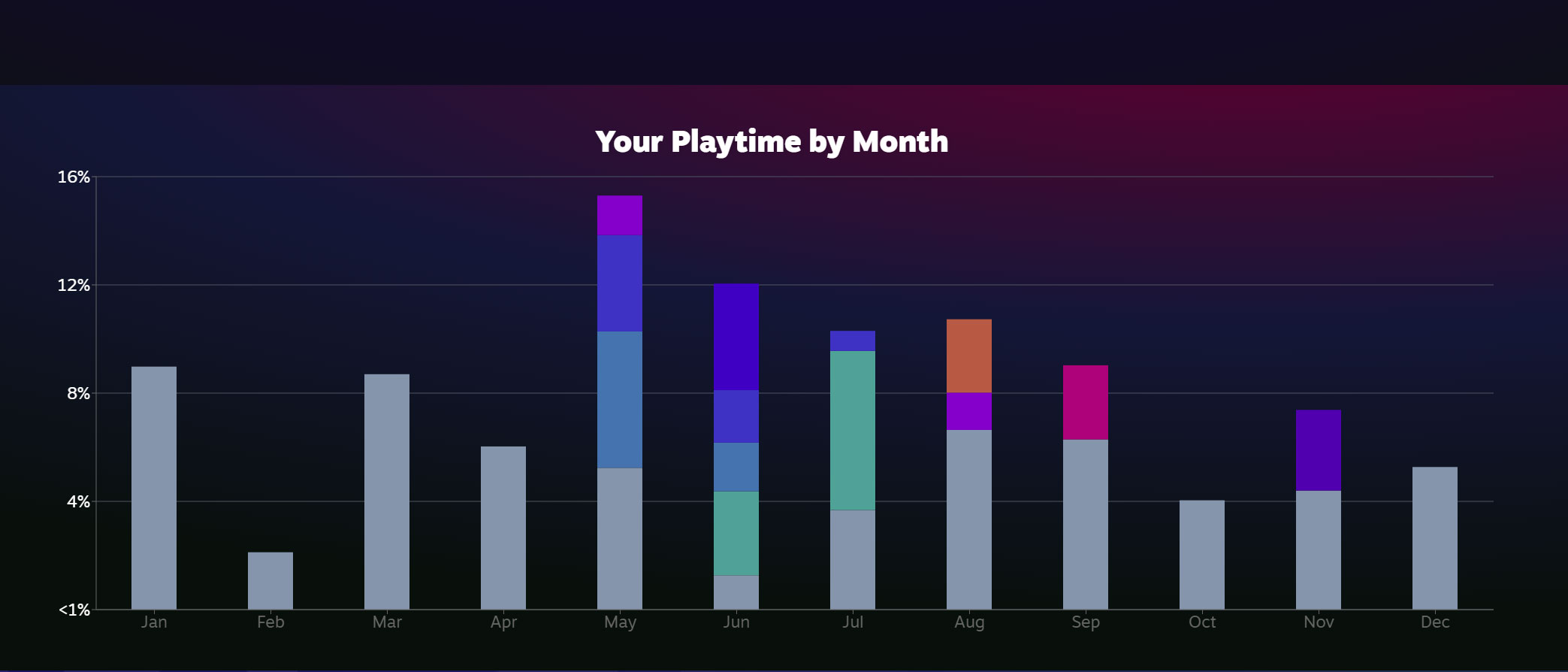
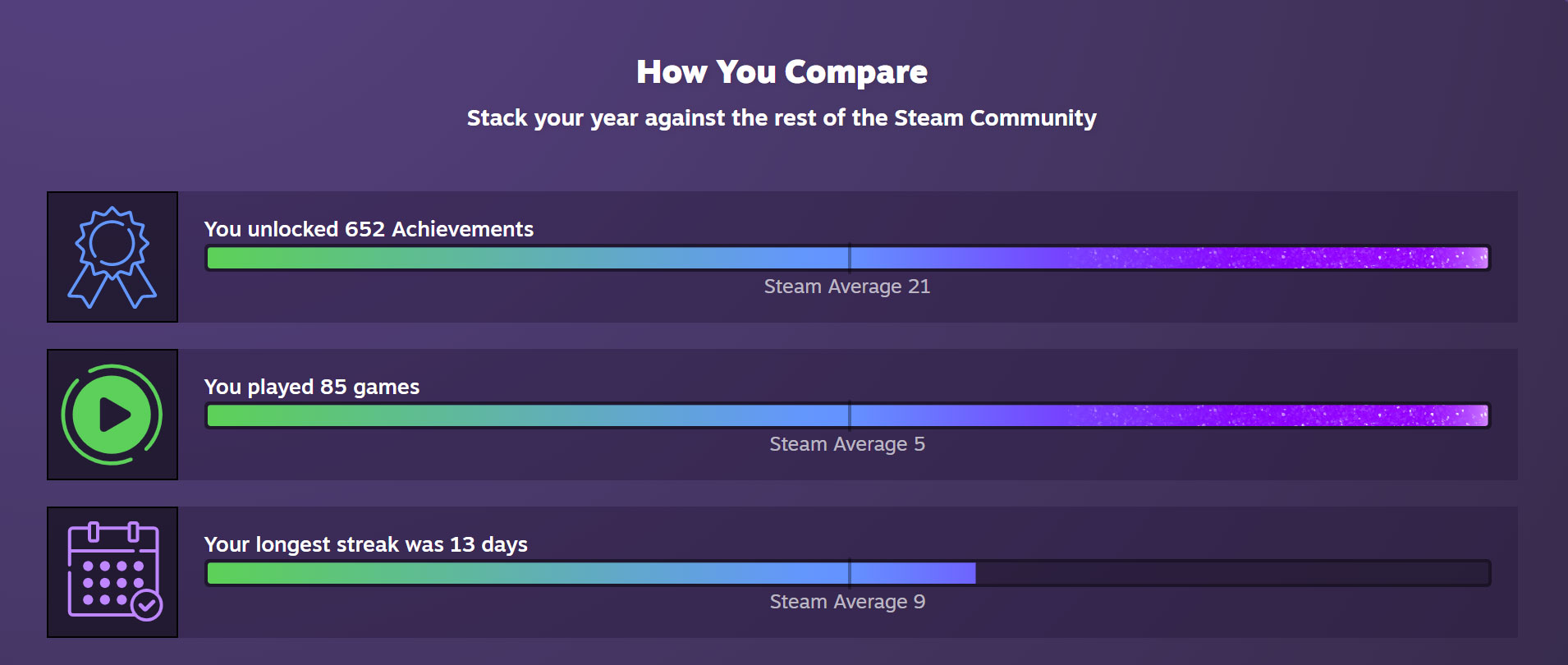
Your 2022 Steam Replay shows off the list of games you play, as well as your playtime for each month. The replay also shows a breakdown of the total number of sessions, your longest streak, and achievements you’ve earned. You can also compare how your year stacked up against the community on average. According to the replay page, Steam users earn an average of only 21 achievements, played only 5 games, and achieved a 9-day streak in 2022.



Leave a Comment