
How To Play Lost Ark If You’re In Malaysia & Southeast Asia

The pretty hyped-up action RPG MMO hybrid Lost Ark, a game from Smilebit and from South Korea, is coming out in English thanks to Amazon Games.
The catch? It’s only downloadable and available in North America and Europe. If you’re residing in Malaysia, Singapore, or anywhere else in Southeast Asia, tough luck!
Or is it, really? There’s a way for you to bypass this and play this free-to-play action MMORPG right now. Here’s how:
- Create a Steam account in your country. We’ll explain why later.
- Turn on your Virtual Private Network app (VPN) and set it to your supported region: USA would be the best one to pick. VPNs we recommend: Norton 360’s VPN service, ExpressVPN, NordVPN, Surfshark. Yes, you have to pay a subscription fee for the VPN; keep that in mind.
- Add a random game to your cart.
- At the purchase screen, change the currency from your country’s to USD. Select the USD option when prompted again.
- Go back to the Store page; you should be able to find Lost Ark available and ready for downloading/purchasing.
- Remove the random game from your store cart; the one you selected earlier.
- Make payment to Lost Ark when prompted (it’s free, don’t worry); this will change your country store region to whichever country you choose.
- As for Lost Ark’s microtransactions? You can use PayPal or Steam Gift Cards to add funds to the wallet. Make sure your PayPal address is the country address you chose.
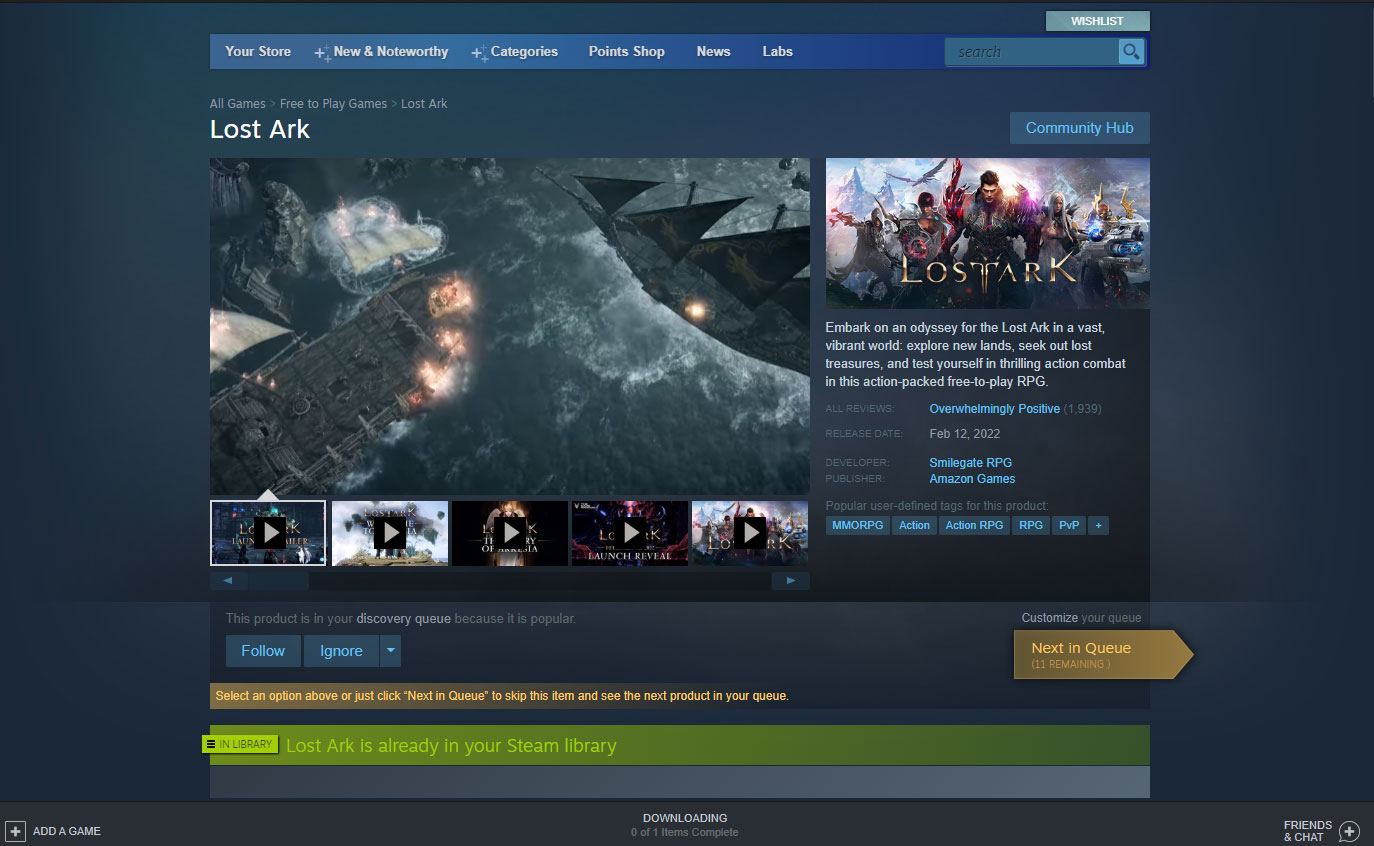
Congrats! You can now play Lost Ark. Just keep in mind that doing this method can be a tad risky; there is a chance that your account may be banned even without the use of VPN to play it. Hence, it’s better just to make a new Steam account so that your previous one is safe from this risk.


Leave a Comment