
Tekken 8 Creator Katsuhiro Harada Reveals How To Increase Controller Response On PC
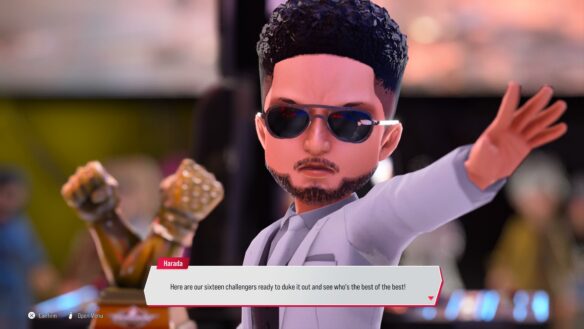
If you’ve been experiencing input lag or related problems while playing Tekken 8 on PC, Tekken creator Katsuhiro Karada himself has the solution.
On his Twitter account, he posted:
This is an IMPORTANT notice for users of the PC version of #TEKKEN8 .
We know that many of you use a controller plugged into USB when playing TEKKEN8.“Please use the USB port on the back of the PC that is directly supplied by the Motherboard.
As far as possible, DO NOT use the USB port on the front of the PC case.”This may improve controller response (input lag is reduced in many cases).
The USB port on the front of the PC case may be via an extension cable with different properties depending on the PC case from the USB pin header on the motherboard, or in some cases via a proprietary control board at the connector on the front of the PC. In some cases this causes input delays.
Gaming notebooks may also differ depending on the USB port supplied.
Also, connecting a controller via a USB hub or similar device is not recommended (Personally, I strongly recommend not connecting the controller via a USB hub!!).Please check the USB port to which the controller is connected.
Thank you
This is an IMPORTANT notice for users of the PC version of #TEKKEN8 .
We know that many of you use a controller plugged into USB when playing TEKKEN8."Please use the USB port on the back of the PC that is directly supplied by the Motherboard.
As far as possible, DO NOT use the…— Katsuhiro Harada (@Harada_TEKKEN) February 16, 2024
Check out our review here and head on over here to fight Harada himself!

Leave a Comment